Controls & UIEverything on your screen, and how to drive it.
Skybound plays with mouse and keyboard, click-to-move and a hotbar of skills. Here’s the quick reference.
Movement & camera
| Action | Control |
|---|---|
| Move | Click the ground (click-to-move) or the movement keys |
| Rotate / pitch camera | Drag with the mouse |
| Fly (with a mount) | Double-click the mount, then Space to cruise, mouse to steer |
Combat
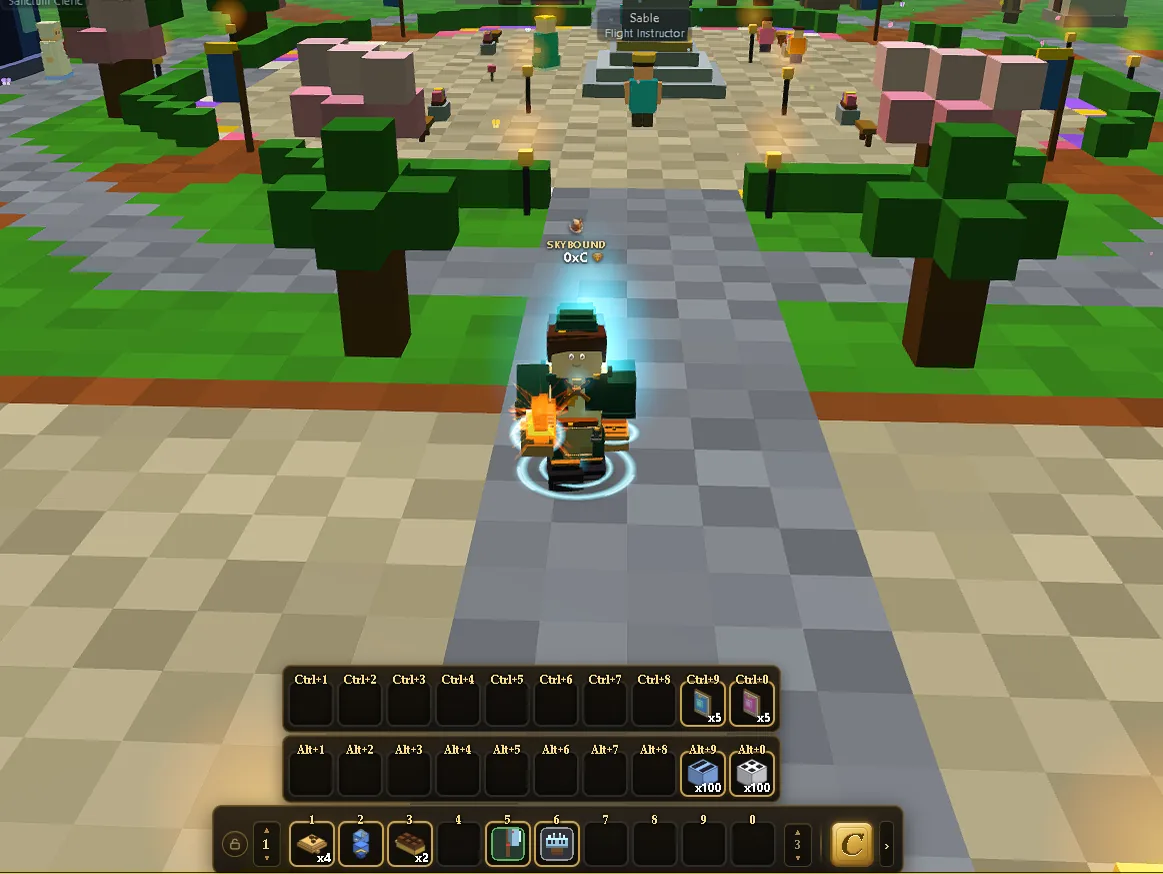
| Action | Control |
|---|---|
| Select a target | Left-click it (cyan ring), or Tab for the nearest |
| Engage / auto-attack | Click the selected target again (red ring) |
| Skill 1 / Skill 2 | 1 / 2 |
| Hotbar slots | 1–0 across the bottom bar (multiple pages) |
Windows
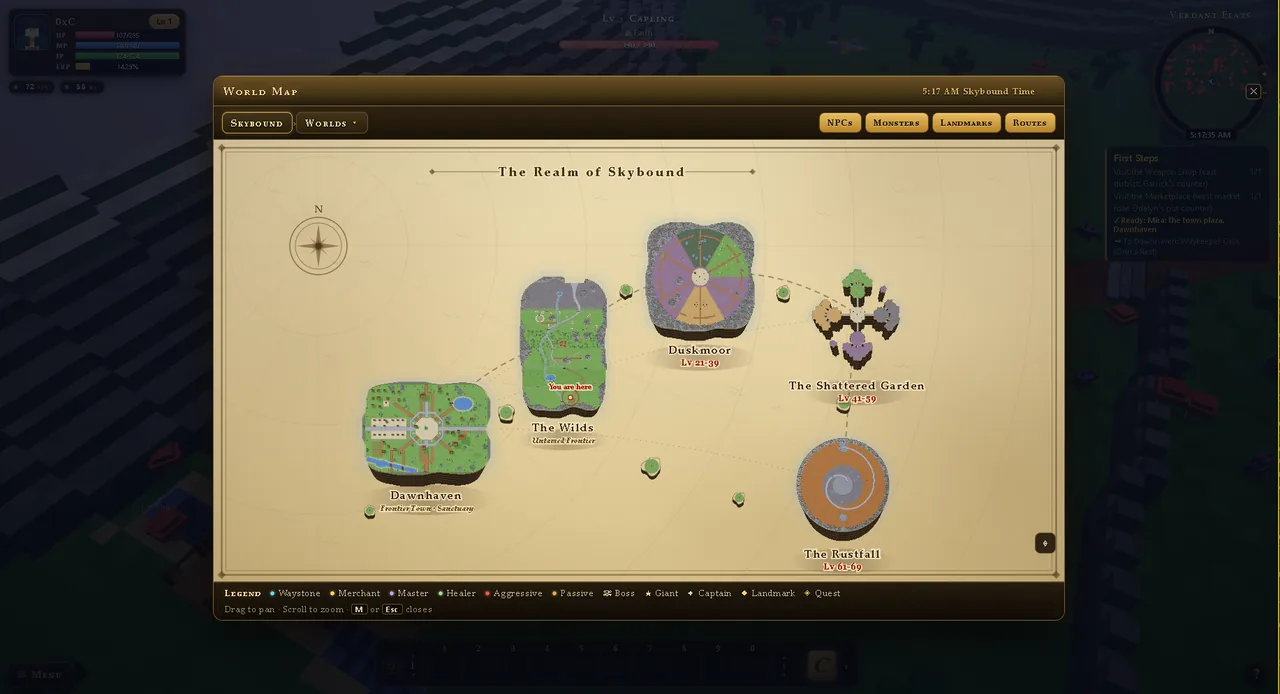
| Window | Opens |
|---|---|
| World Map | M |
| Character, Inventory, Skills, Quest Log | From the menu launcher (bottom-left) or their hotkeys |
| Chat | Enter; prefix /s to shout, /w name to whisper, /r to reply |
| Close a window | Esc or the ✕ |
Reading the HUD
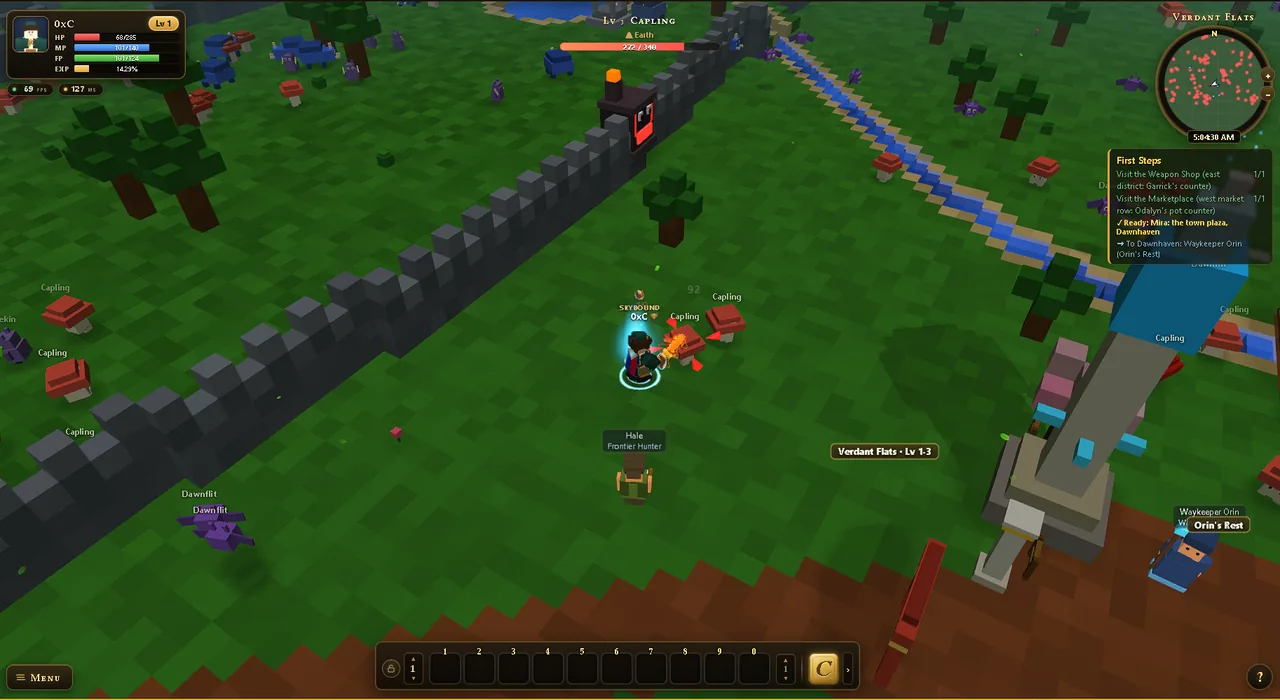
- Top-left: your portrait, level, and the HP / MP / FP / EXP bars.
- Top-right: the circular minimap; north-up, with red blips for monsters, gold NPC dots, quest “!”/“?” markers, and the in-game clock. Use +/− to zoom.
- Bottom: the skill hotbar (pages of 10 slots) and the menu launcher.
- Floating markers: a gold “!” over an NPC means a quest to take; a gold “?” means a quest to turn in.
The living world
A shared day/night clock
Everyone shares one sky. A full in-game day passes every real hour, so dawn, dusk and night roll around quickly, and the same for every player, everywhere.
Shared weather
Weather is world-wide and shifts every minute or two; clear, cloudy, rain or storm. Rain and storms give bonus XP, so a downpour is a good time to grind.
✦
Press
/ on any Wiki page to jump to the search box and find a page fast.